Scott Adams, Donald Trump, What is Real?

September 9, 2015 11:19 am

Scott Adams, creator of Dilbert, has been writing a series of articles discussing Donald Trump and his presidential campaign.  Scott Adams is, so far, the only person I’ve seen who can build a coherent argument about who Donald Trump is, what he’s trying to do, and why it’s working.  That makes me pay attention.

He started with his post on August 13 titled “Clown Genius.”  You should go read it and if Adams’ hypothesis intrigues you then keep looking through his blog posts after that date, he writes a lot about Trump and gives really interesting examples and details of what’s happening and why it’s working.

His most important point thus far, I think, is understanding that Trump is, first and foremost, a businessman.  He literally wrote the book on negotiation.  Anything he says is part of a negotiation.  We find this strange in U.S. politics because negotiation in politics has been dead for 20 years or so.  “Compromise” has become a career killer.  But it’s necessary to be successful in business.

So, Adams says, when Trump presents some extreme position he’s just using it to anchor the negotiation and then he can move to the middle as he sees fit and compromise; just like any negotiation.  You never open with what you actually expect to get–that would simply guarantee that you don’t get it.  Politicians act this way, but they seem to have forgotten the part where you then negotiate to something more reasonable.

Adams believes Trump will easily reposition himself as necessary and that he’ll do it in a way that is immune from people calling him a “flip-flopper.”  That is, he will task underlings with studying the topics and putting together proposals that outline costs, likelihood of success, etc–standard business practice; then when he picks a more moderate position it will be based on analysis of data and facts which is totally reasonable–not flip-flopping.

The overall concept that Adams discusses is the “Master Wizard” hypothesis (so you’ll see that term in his writing).  That is, people like Trump have studied and learned the art of getting what they want.  Call it persuasion or manipulation or whatever but the result is the same.  They get people to agree with them and then give them what they want.  He suggests another  Master Wizard you might recognize: Steve Jobs.  By all objective accounts he was a jerk with no technical skill.  Yet he was absurdly successful running a computer company.  He got people to do things for him, no question about it.

Here’s one example Adams calls out: Trump was getting a lot of press recently for calling Ben Carson a “nice guy.”  It’s an interesting phrase to use and he carefully ends his statement with it so it’s left hanging.  What do many people mentally fill in when you drop the phrase “nice guy(s)” and then leave it hanging?  “Finish last.”  Adams argues that Trump fired this “linguistic bullet” to end Carson’s campaign.  In his opinion, millions of people now believe Carson has no chance of winning because he’s too nice, but they don’t realize why they think that.  That is how wizards operate.

The thing that’s scary to me is that the more I read Adams’ thoughts on the subject the more is seems like Trump isn’t necessarily a bad candidate.  Someone who actually negotiates would be good for the country, we need to bring compromise back in to politics.  But then another part of my brain just says, “Buuuut….he’s Donald Trump….seriously?”

Adams believes Trump will win the Republican nomination and then win the general election.  I don’t know if that will happen, but Adams has convinced me that I should definitely pay more attention to the details of how Trump is operating and that there is more there than meets the eye.

Heather’s First Day of Preschool

September 8, 2015 5:34 pm

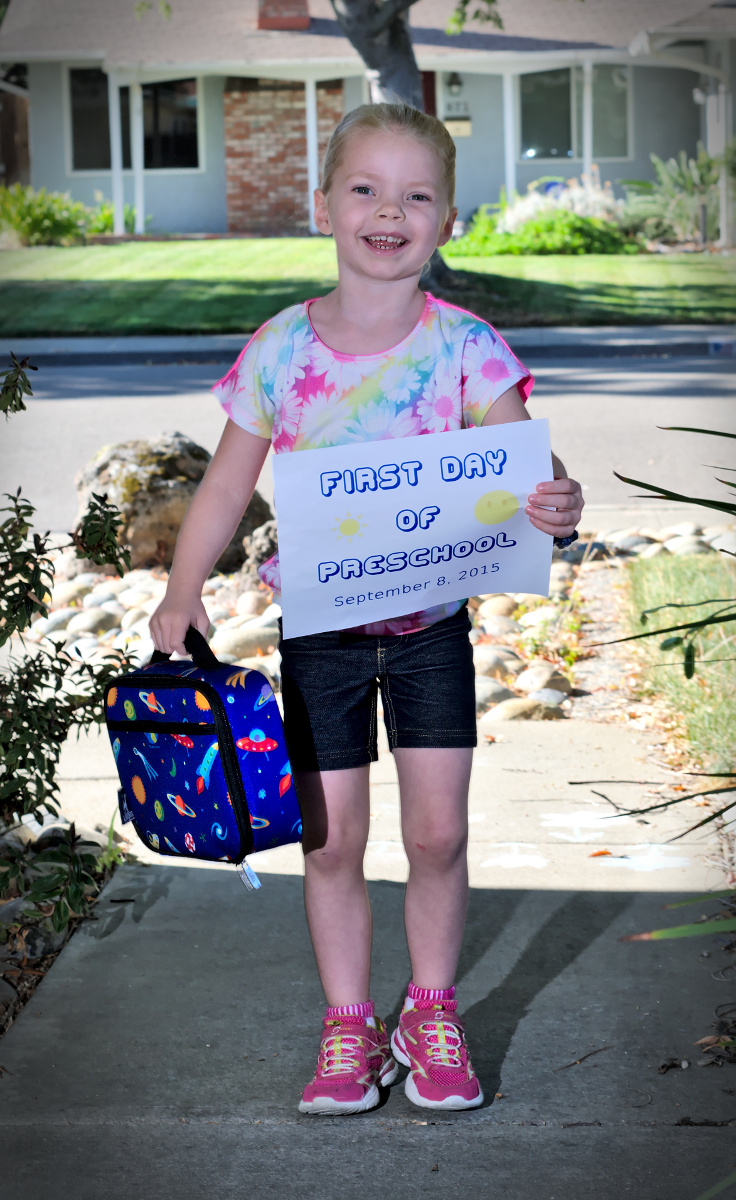
IMGP3705asHeather was super excited for her first day of preschool at Cottage Preschool.  It was a little overwhelming at first, a lot of people moving around and unfamiliar terrain, but it settled down.  She did end the day slightly disappointed that they didn’t learn Spanish, but it doesn’t seem to have been a devastating let down.

Also, I had a really hard time getting a decent picture of her this morning.  Our yard does not lend itself to pictures at that time of day.  Either too much sun, or a sunny background (like this one), or speckled sunlight, or the sun hitting directly on the sensor preventing the off-camera flash from firing.  I was getting a little frustrated, but I think I unlocked a “Dad Achievement.”  Heather was getting tired of taking pictures too and I got my first, “[sigh] Daaaad. Are we done yet?”

Monterey Bay 2015

September 5, 2015 9:09 pm

We went down to Monterey for the weekend of August 21, 22, and 23.

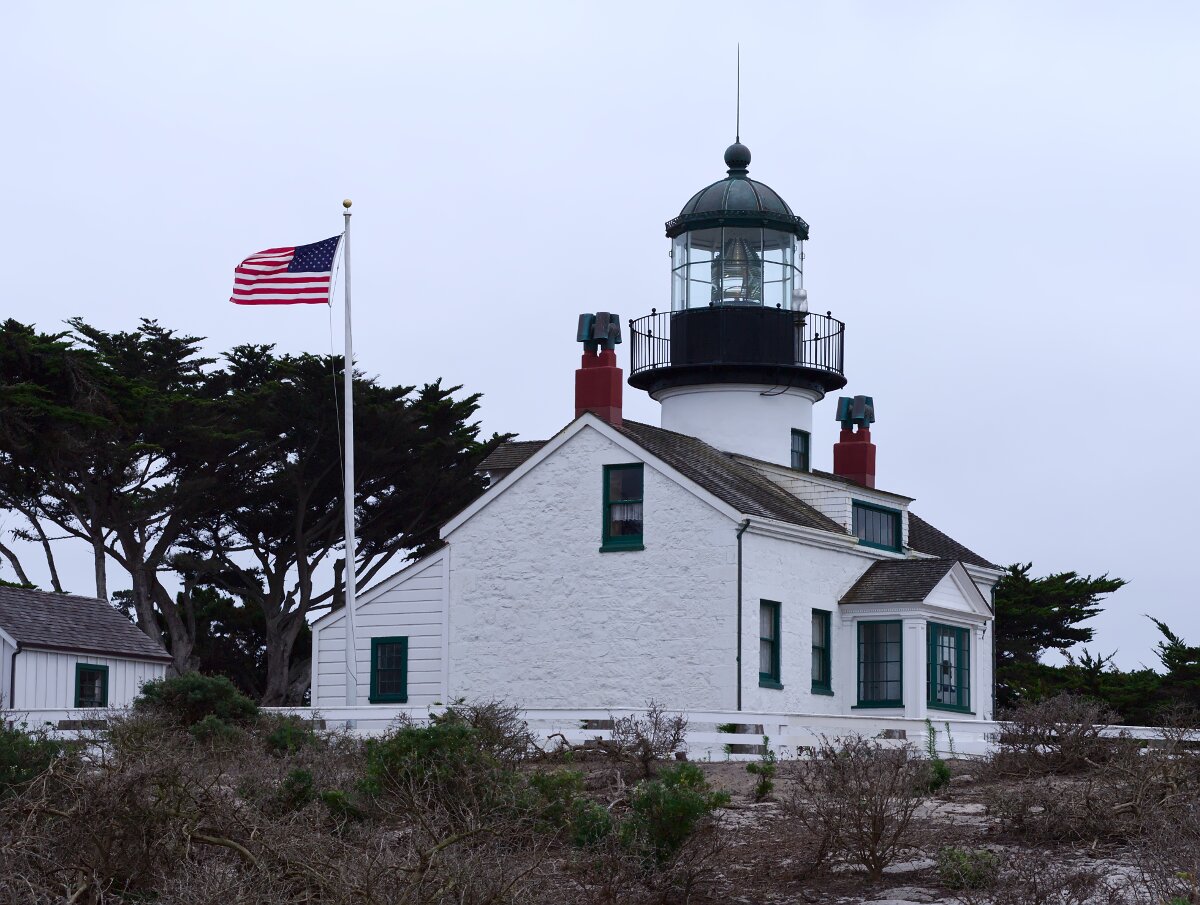
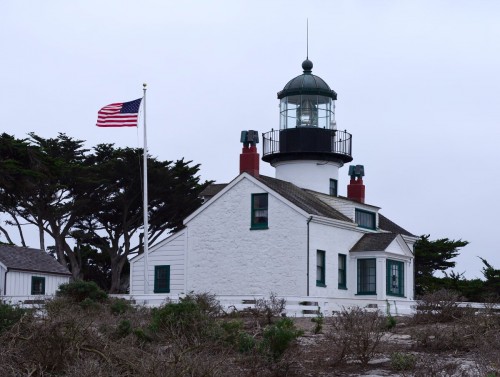
I took that Friday off from work and we drove down mid-day to avoid morning rush hour traffic.  When we got there we grabbed lunch at Point Pinos Grill, which was considerably nicer than I was expecting considering the prices.  After lunch we walked across the street to the Point Pinos Lighthouse.
IMGP3545as

This picture would have turned out better if the sky weren’t so heavily overcast, but not much I could do about that.

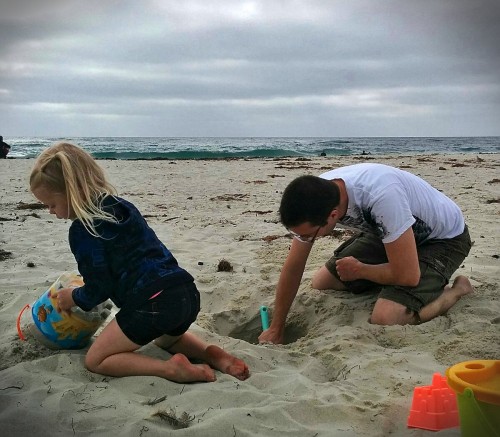
After touring the lighthouse we headed to our hotel room at Asilomar Conference Grounds.  Once we were checked in we walked down to the beach (Asilomar State Beach) to do some playing.

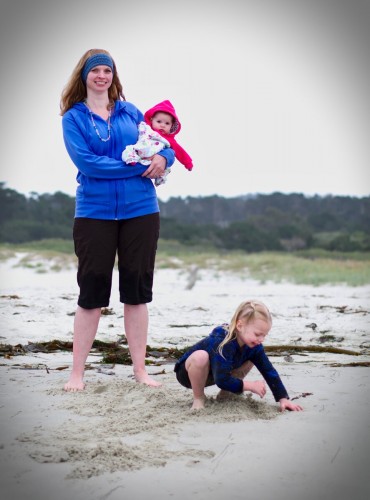
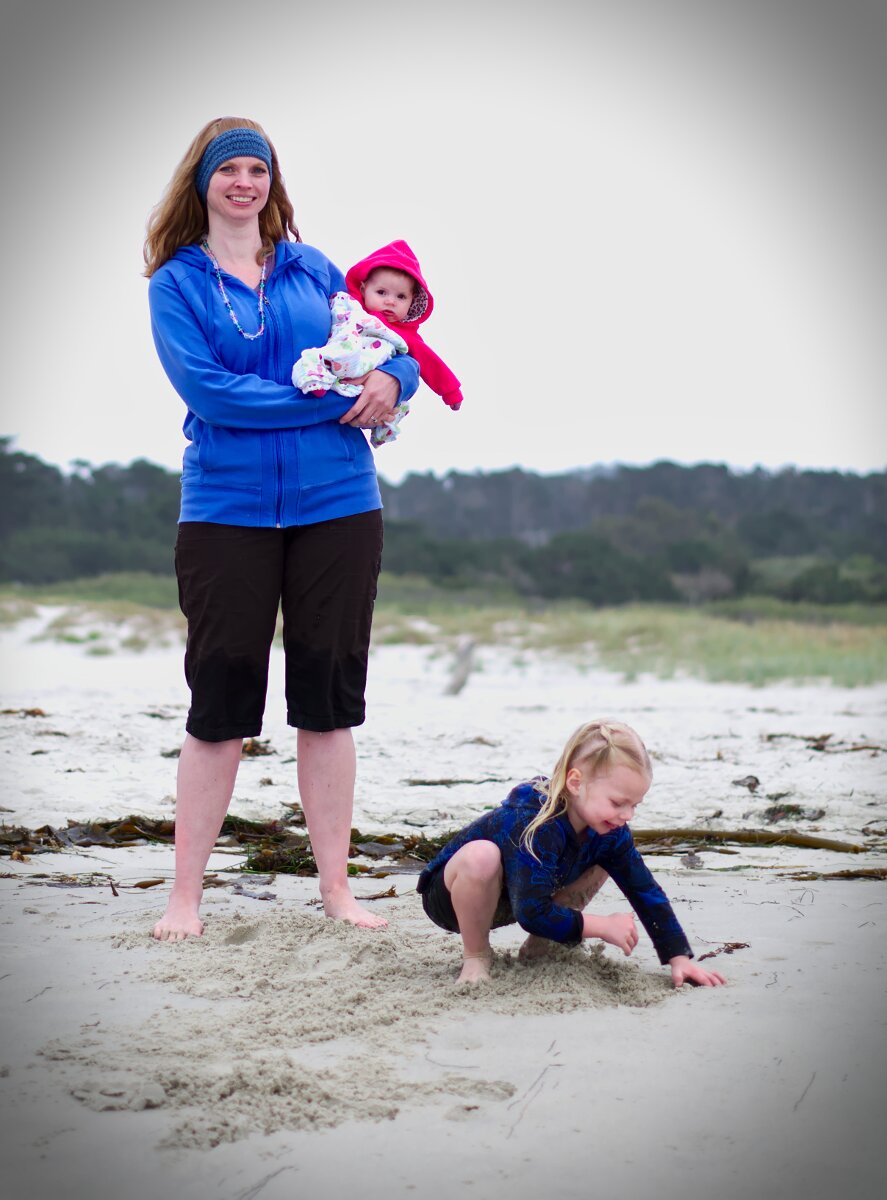
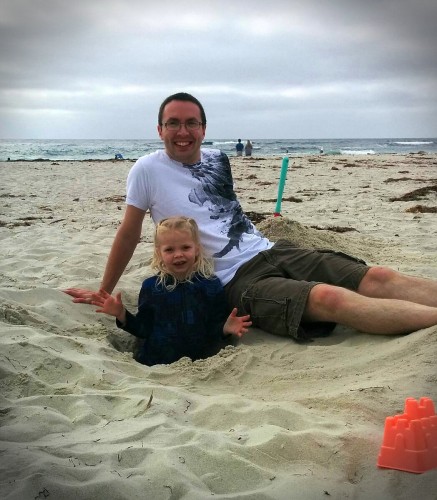
I dug a hole, because why not?
IMG_20150821_171731as

And Heather stood in it, because why not?
IMG_20150821_172520as

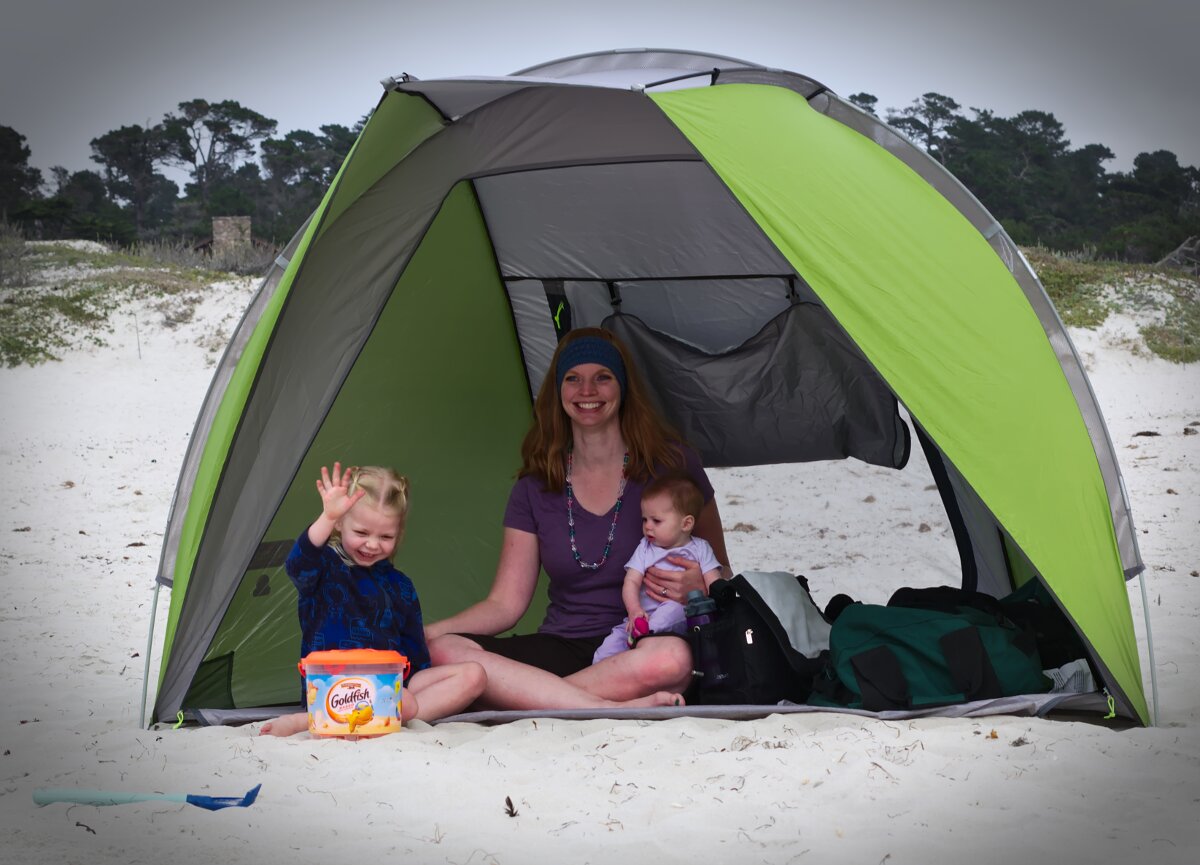
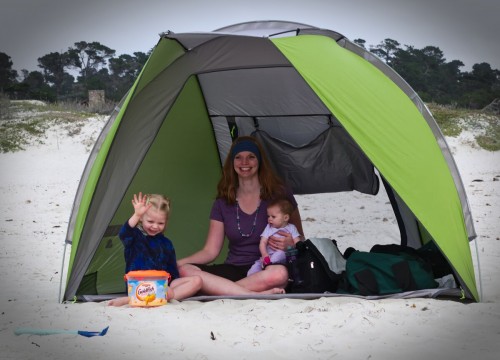
We hung out in our little beach shelter (which worked fairly well overall):
IMGP3550as

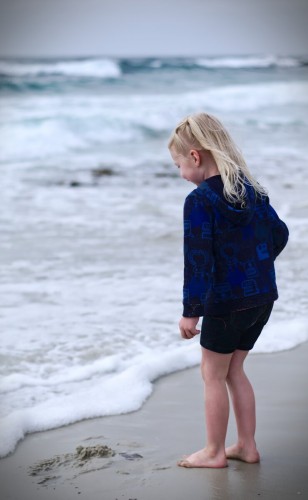
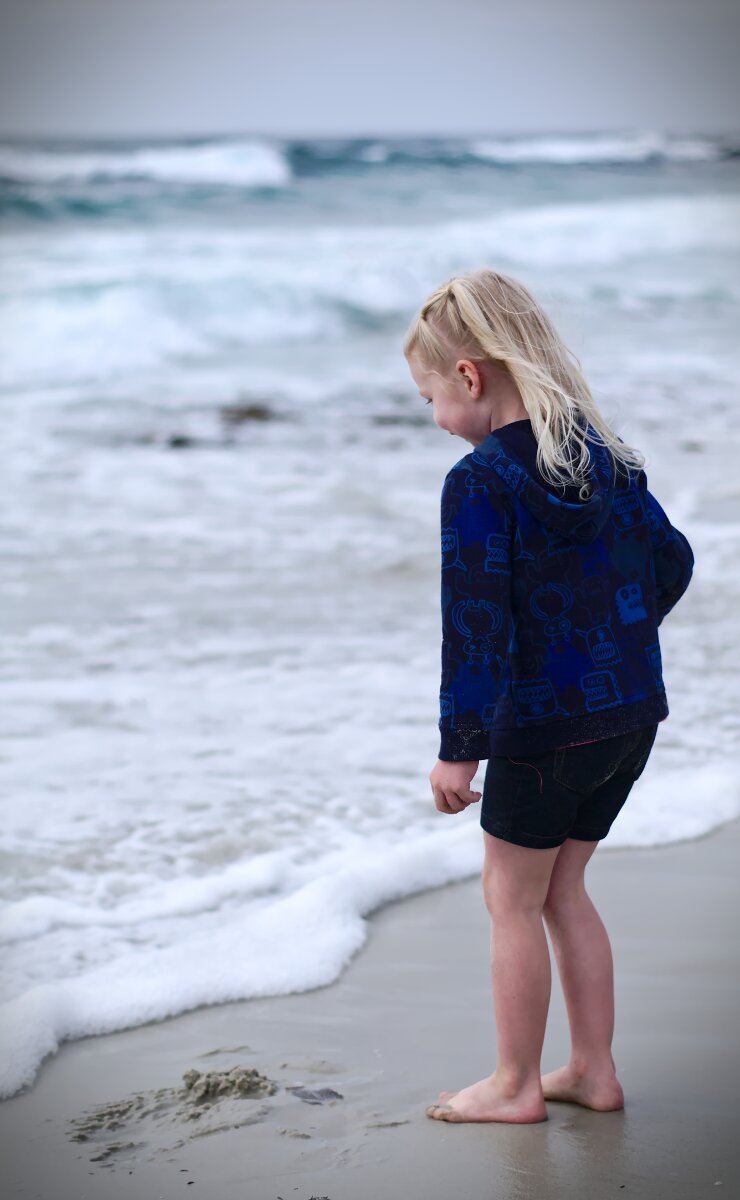
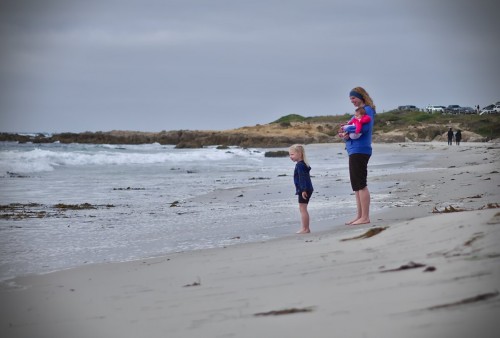
We walked along the beach and dabbled in the water:
IMGP3562as

IMGP3568bs

IMGP3620as

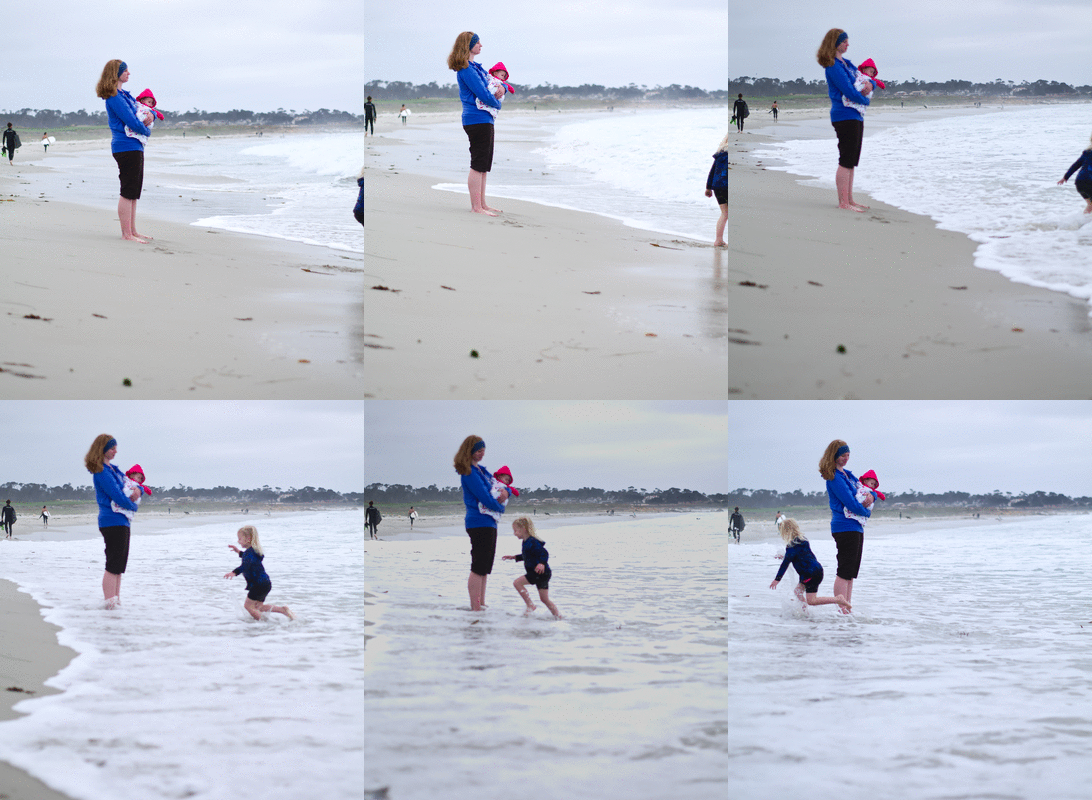
This was Heather’s usual reaction to the waves coming in:
beach (small)

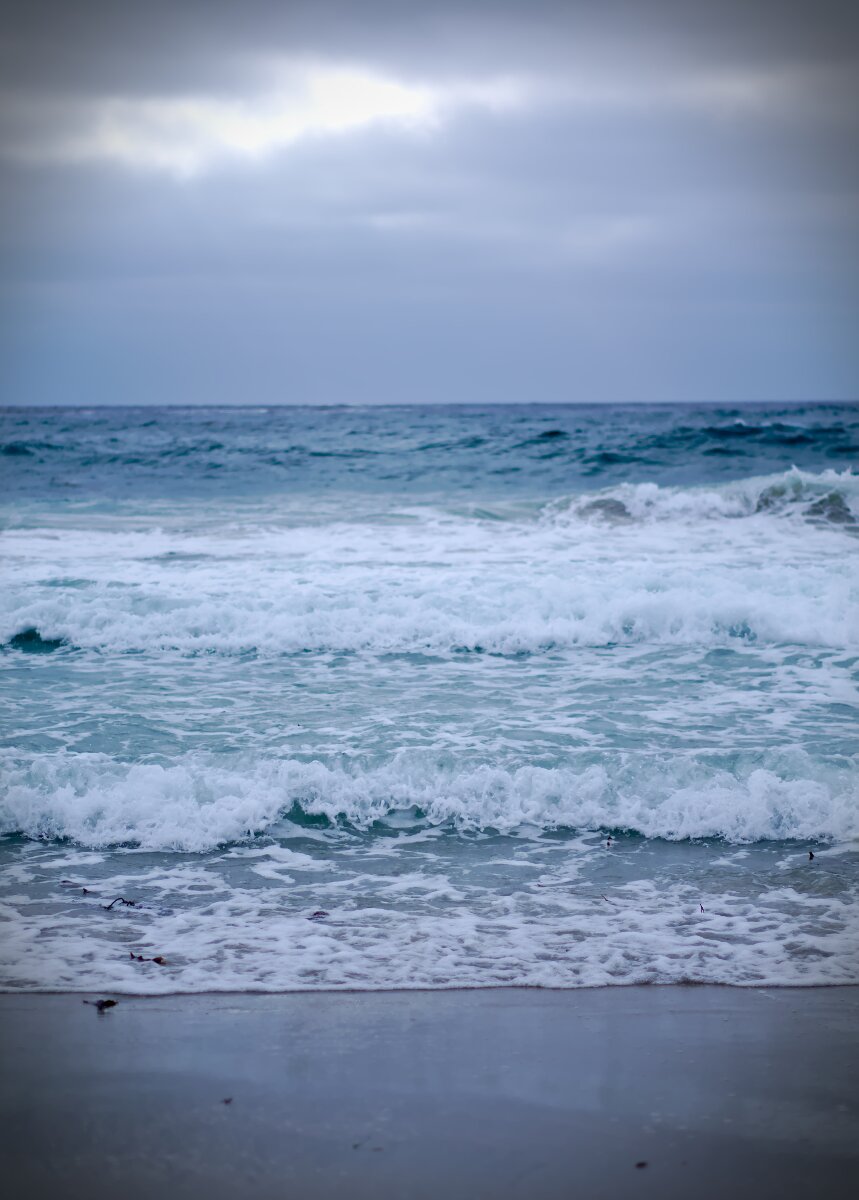
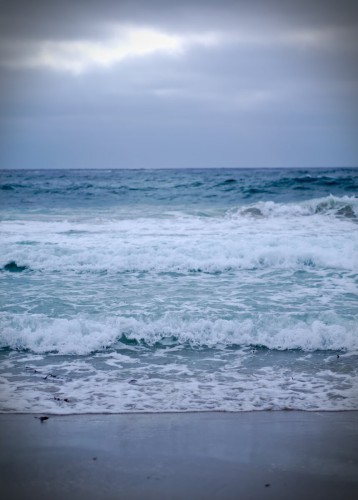
I tried to take some artsy pictures of the waves stacked up as they came in:
IMGP3638as

Then we headed up to the room for a dinner of hastily retrieved McDonald’s; eaten on the floor (there never seems to be a good place to eat food in a hotel room).

Saturday we eventually made it out the door and down to Monterey’s main drag.  We ate breakfast at Coco’s which was….not a highlight of the trip.  It could have been a smoother experience, but the food was fine.

With food taken care of we walked down to Monterey Bay Aquarium to spend most of the day.  Public Service Announcement: Buy your tickets online and print them out.  We walked straight in the door while a line down the block was waiting to buy tickets.

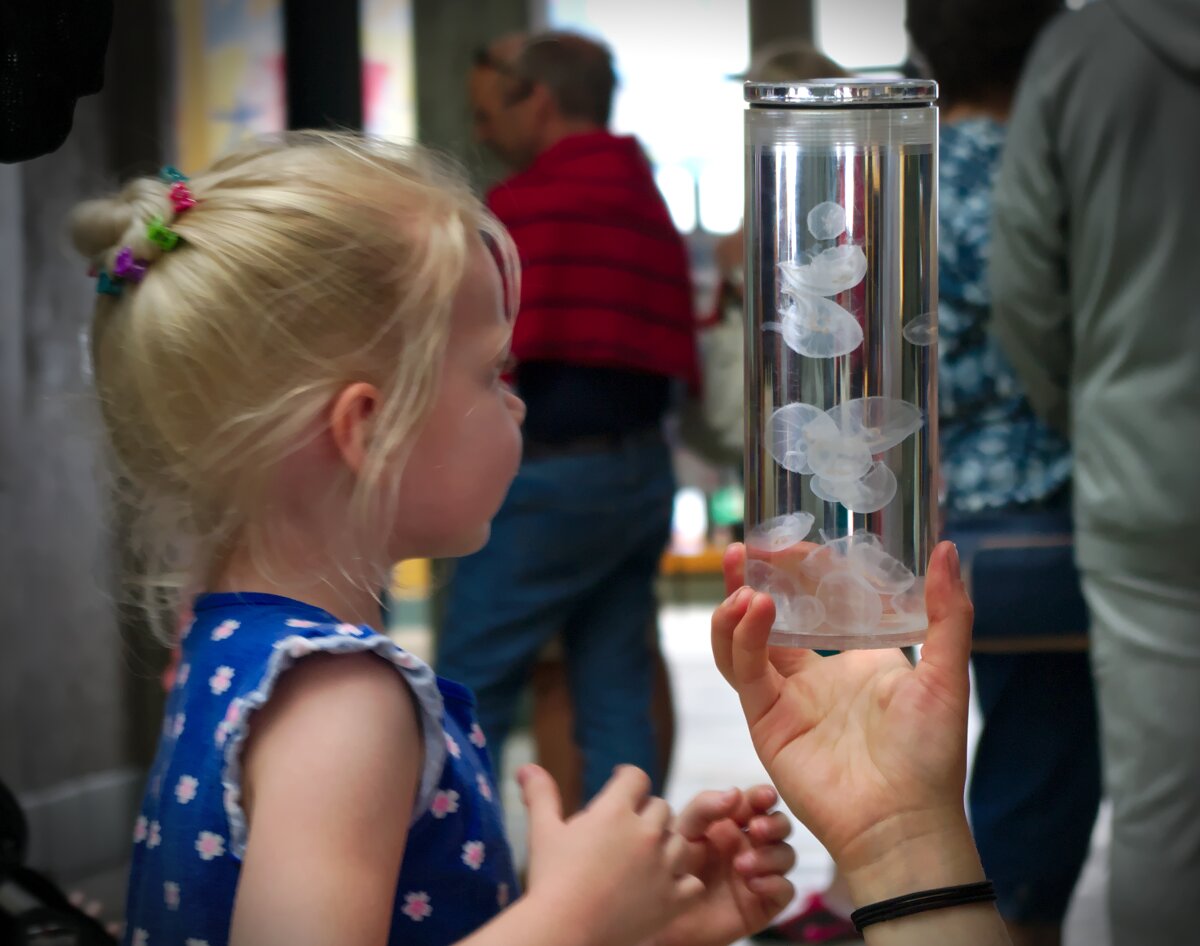
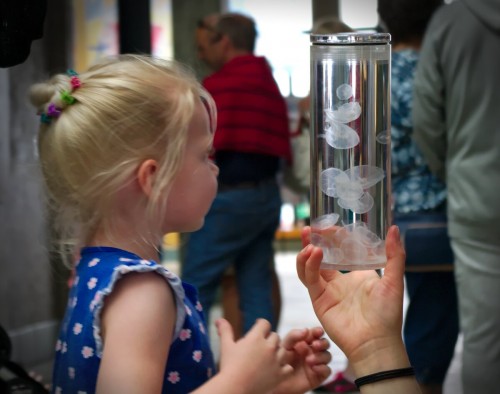
Heather got to see some baby moon jellies up close as we walked in.
IMGP3665as

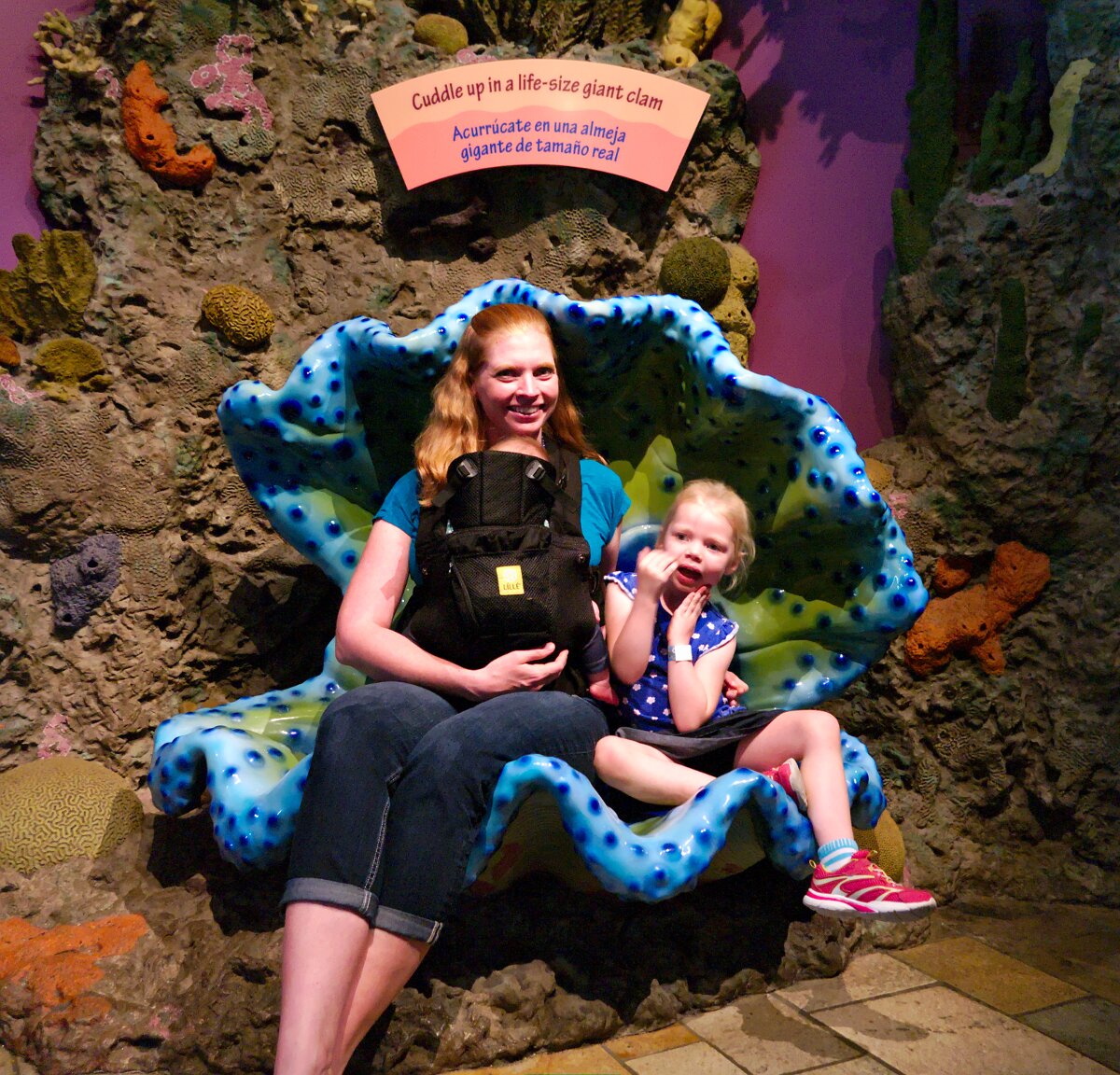
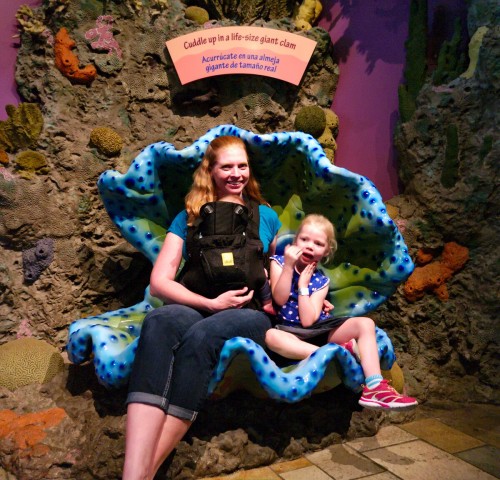
Heather, Jess, and Corinne sat in a giant clam:
IMGP3679as

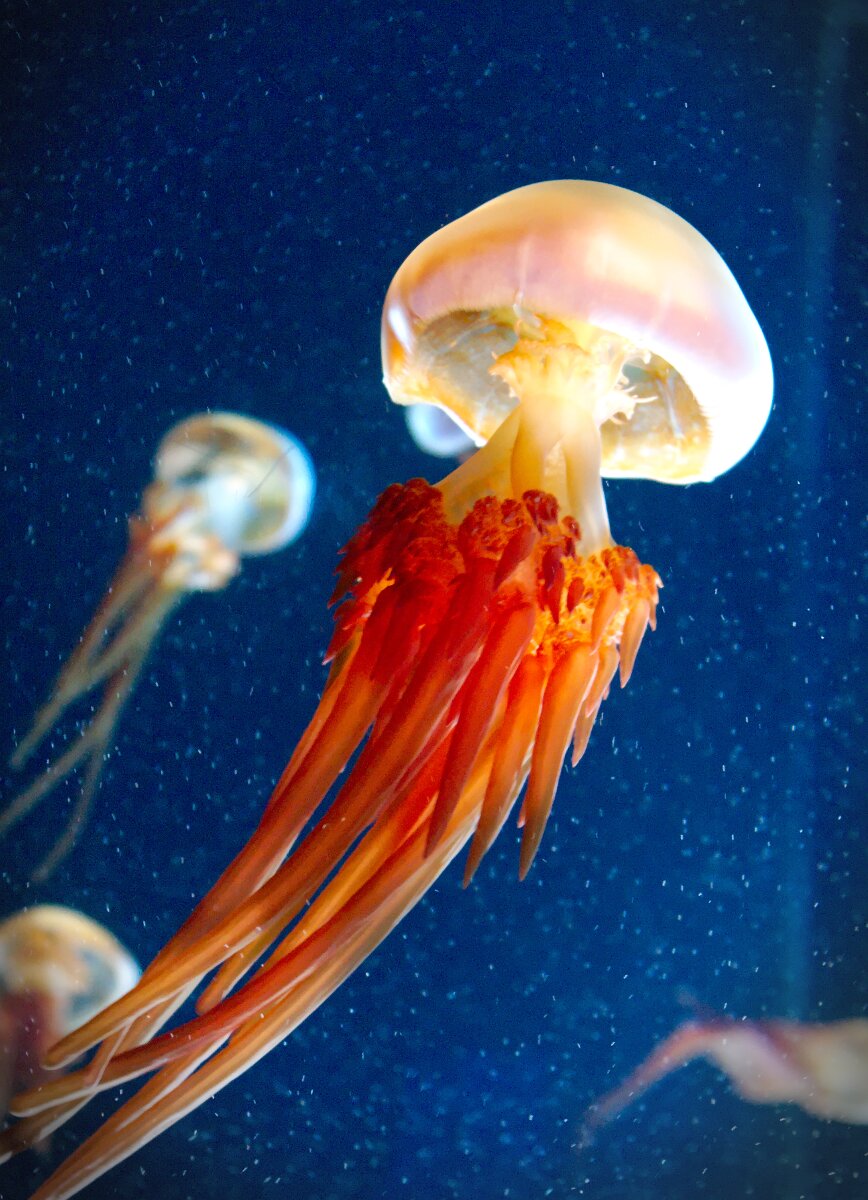
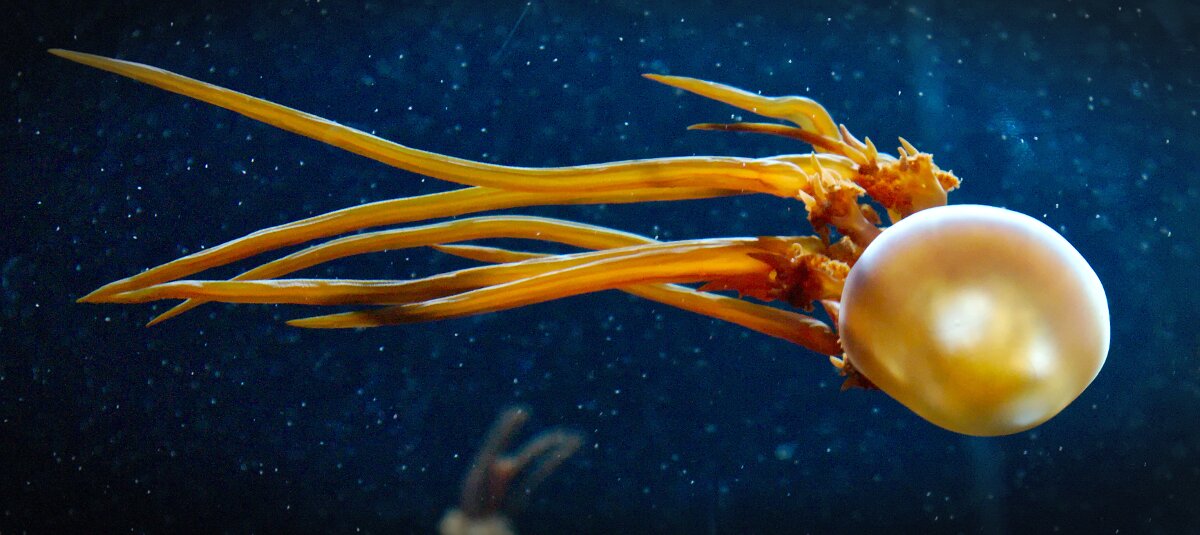
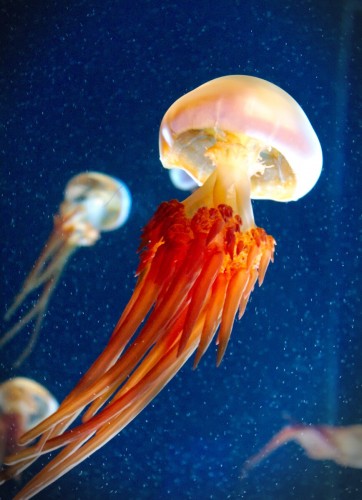
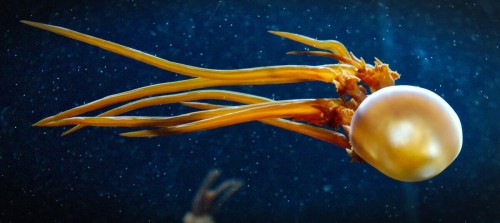
And some more jellies, because they seem to make the most successful pictures at aquariums for some reason:
IMGP3685as

IMGP3687as

After completely wearing everyone out at the aquarium we headed to a local pizza joint, Gianni’s, for dinner.  It sounded like a sit-down and order kind of place, but it turned out to be a place-an-order and seat yourself kind of place.  Which would have been fine, except they were packed and there was nowhere to sit.  And Heather was DONE with the day and couldn’t take being in the restaurant.  So we converted our order to takeout and I took Heather back to the van to decompress while Jess waited for it to be ready.

Once it was ready she called me and we drove around to pick it up (couldn’t drive up earlier because there would have been nowhere to park).  That worked well for Heather and we had another dinner on the floor of our hotel room.  The food was good though.  Probably would have been better not stuffed into takeout containers and driven across town though.

On Sunday we got up and eventually got packed up and out of the hotel.  We headed down to Carmel-by-the-sea for breakfast at Em Le’s.  They have famous deep-fried french toast:
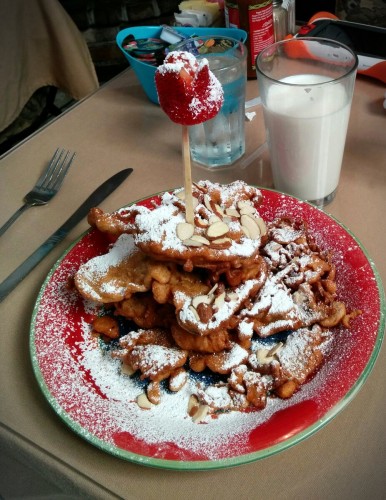
IMG_20150823_115658as

Em Le’s is just a tiny little restaurant tucked into the corner of a building.  There’s only seating for maybe 25 people at a time.  The food was really good; give it a try if you’re in the area.

See with the Point Pinos Grill, Gianni’s, and Em Le’s? I tried to find unique, local places to eat; but it’s tough not knowing what to expect when you have little kids.  Don’t want to unintentionally go somewhere too upscale or non-kid-friendly (Em Le’s was close on these criteria, but we didn’t have any problems).

After eating we went down to Carmel Beach for a few hours, but didn’t take any pictures this time around.  Then we loaded up into the van and headed home.  Which took much longer than it should have.  I was expecting weekend traffic heading back into the Bay Area so we left at like 2, but it was terrible.  So try to avoid that.  We ended up needing to stop for food so we found a Habit Grill (which is a chain, but I hadn’t seen one before) which was decent.
Heather’s World

4:22 pm

Heather has been using her Nabi Jr. tablet for awhile now.  It has a camera on it that can spin from front-facing to back-facing.  I configured it to automatically sync the pictures to the computer.

With the pictures all in place I created a time-lapse of Heather’s past year.  If you don’t care about the nerdy details of how I made it, jump to the bottom to watch the video.

It started with the 925 pictures she took over the last year.  I ran them through ImageMagick to pad them to a consistent size:

$ cd /home/heather/Pictures
$ mkdir ~/Desktop/tmp
$ find "./2014/12 December 2014" "./2015" -name "*.jpg" -exec mogrify -gravity center -background black -extent 1600x1600 -path ~/Desktop/tmp {} \;

Then I, again, used ImageMagick to interpolate 3 transition frames between each picture so it’s less jumpy (still pretty jumpy though):

$ cd ~/Desktop/tmp
$ mkdir morphs
$ convert *.jpg -morph 3 ./morphs/out-%04d.jpg

Okay, that’s a little bit of a lie.  ImageMagick’s convert tool currently (version 6.x) reads in all input before doing anything.  When it tries to load in the 925 images it uses up all the memory in my computer and then dies.  So I had to break it up into batches (IM 7 supposedly fixes this problem).  I used batches of 100 which still used about 7 GB of RAM:

$ ls *.jpg | head -n 100 | tail -n 100 | convert @- -morph 3 morphs/a-%04d.jpg
$ ls *.jpg | head -n 200 | tail -n 101 | convert @- -morph 3 morphs/b-%04d.jpg
$ ls *.jpg | head -n 300 | tail -n 101 | convert @- -morph 3 morphs/c-%04d.jpg
# .... all the way through head -n 900 .....
$ ls *.jpg | tail -n 26 | convert @- -morph 3 morphs/j-%04d.jpg

Doing it in batches results in a duplicate frame between each batch, so at this point we have to delete b-0000.jpg, c-0000.jpg, d-0000.jpg, etc. (but keep a-0000.jpg).

Now we’re ready to run them through mencoder to produce our video:

$ cd morphs
$ mencoder mf://\*.jpg -mf w=1600:h=1600:fps=16:type=jpg -ovc lavc -lavcopts vcodec=mpeg4 -of lavf -lavfopts format=mp4 -oac copy -o ~/Desktop/output.mp4

I tried doing this with ffmpeg/avconv, but it kept cropping my images and I couldn’t make it work.  I also spent hours trying to get all this to work without using intermediate files, but ultimately failed.  This process is a little more arduous (I might get around to writing it all into a script at some point) but it does work.

Here’s is the view from Heather’s world from December 2014 through September 2015 (there’s no audio):

Or right-click and “save as…” to download it here: Heather’s View – Dec 2014 – Sep 2015 (small)

If you watch closely you’ll see Christmas, Jess being very pregnant, Corinne appears, Grandma visits, Kyle’s birthday, and a lot of wandering around the house.

It’s not super exciting, but I think it’s kind of an interesting insight into Heather’s world.

Carputer!

August 15, 2015 1:22 pm

IMG_20150815_123630as

One of the features in the Honda Odyssey that I’ve been looking forward to making use of is the auxiliary audio/video inputs located in the third row on the driver’s side.  There’s also a standard AC power outlet back there next to them.  This combination allows me to wire up a Raspberry Pi as an in-car entertainment system which is infinitely more useful than trying to swap DVDs up at the front console. This is especially true if one parent is sitting in the back with the kids because they won’t be able to reach the DVD slot to switch discs and having the driver do so is not a great plan.

Also, it allows us to avoid the awfulness of DVDs: menus, previews, ads, FBI warnings–blurgh what a terrible experience.  Boot this up, select a show, and you’re watching it instantly.

We’ve got some road trips coming up so I wanted to get this set up beforehand.  First I imaged an SD card with OSMC, an OS built around Kodi with the goal of making setup trivial.  And it really was trivial: Install the OSMC installer on your computer, run it, insert your SD card, click some options and you’re good to go.  Pop out the SD card and plug it into the RPi.

Then I copied a bunch of movies and TV shows to a 64GB USB flash drive and plugged it into the Raspberry Pi (version 1 model B).  To get things started I hooked the RPi up to the network and the TV in the house so it could download updates and the appropriate metadata for the videos.  After initial setup I took it out to the van for a trial run.

IMG_20150815_123543as
The Raspberry Pi and associated cords fit nicely in the cup-holder.

I plugged everything in and turned on the car electronics.  The RPi booted up and was ready to roll in just a couple of minutes.  To control it I’m using this wireless keyboard/mouse combo by Lenovo which works great in this application.

IMG_20150815_125218as

Heather helped me out by watching a few minutes of Finding Nemo.  She declared it the best thing ever.

IMG_20150815_123557asThe 4 purplish lights you can see above the screen are the infrared LEDs that transmit the audio to the wireless headphones.  This allows the rear passengers to listen to the movie through the headphones while other passengers do something else–a sanity-saving feature for the adults in the vehicle.