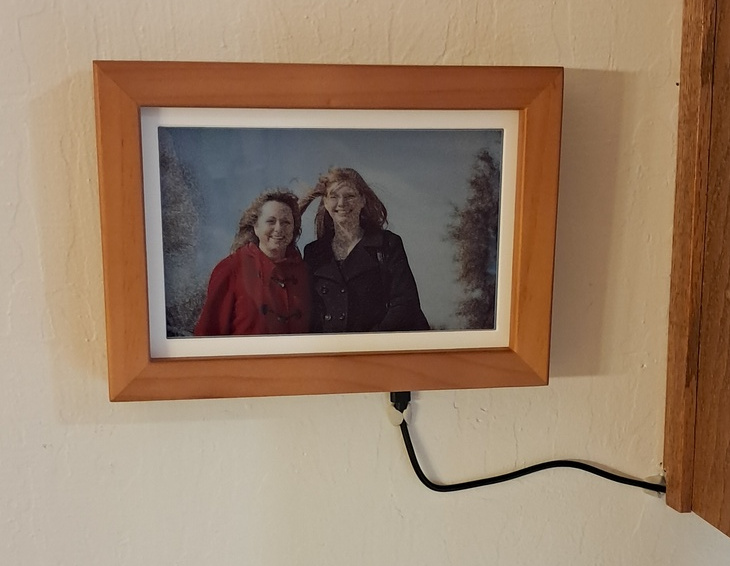
Curious about the current state of consumer-available, color-eInk screens I found that WaveShare is selling this device: RPi-Zero2W-PhotoPainter. It’s not quite a product by itself, but it’s a considerable step towards “product” from when I used a 3-color display to build my “Home Board” back in 2018. The “PhotoPainter” is a 7.3-inch, 6-color, 800×480 pixel, ePaper screen which can be ordered with a pre-installed RPi Zero2 W (with microSD card). It’s connected to a custom PCB with battery leads, power switch, and a UART serial lead. The screen is mounted in a wood frame with integrated table stand. I say “product” because it doesn’t _do_ anything out of the box. You need to bring some programming capability to the table and make it do something useful. But, unlike when I built the Home Board, I don’t have to do all the physical assembly and can focus on the software.
I wiped the provided SD card and loaded a fresh install of Raspbian which allowed me to pre-configure the device for my Wi-Fi network and enable SSH access.
From there I dissected the provided example code and wrote a custom script to drive the display. My code is available on GitHub: https://github.com/kdickerson/ePhotoFrame.
My set up uses nextcloudcmd to synchronize photos from the family NextCloud instance to the frame. Every 10 minutes the frame selects an image randomly and displays it. But, images need some processing before going to the display. When an image is prepared we save the prepared version and when selecting an image we check if we’ve prepared it previously and use that instead of duplicating the work.
The preparation resizes and crops the image to fill the display. To target where to crop it runs a face-detection neural network and targets the location of the weighted average of the detected, high-confidence faces. If no faces are detected, it instead calculates the location of highest “saliency” (a measure intended to identify “interesting” parts of an image based on information density).
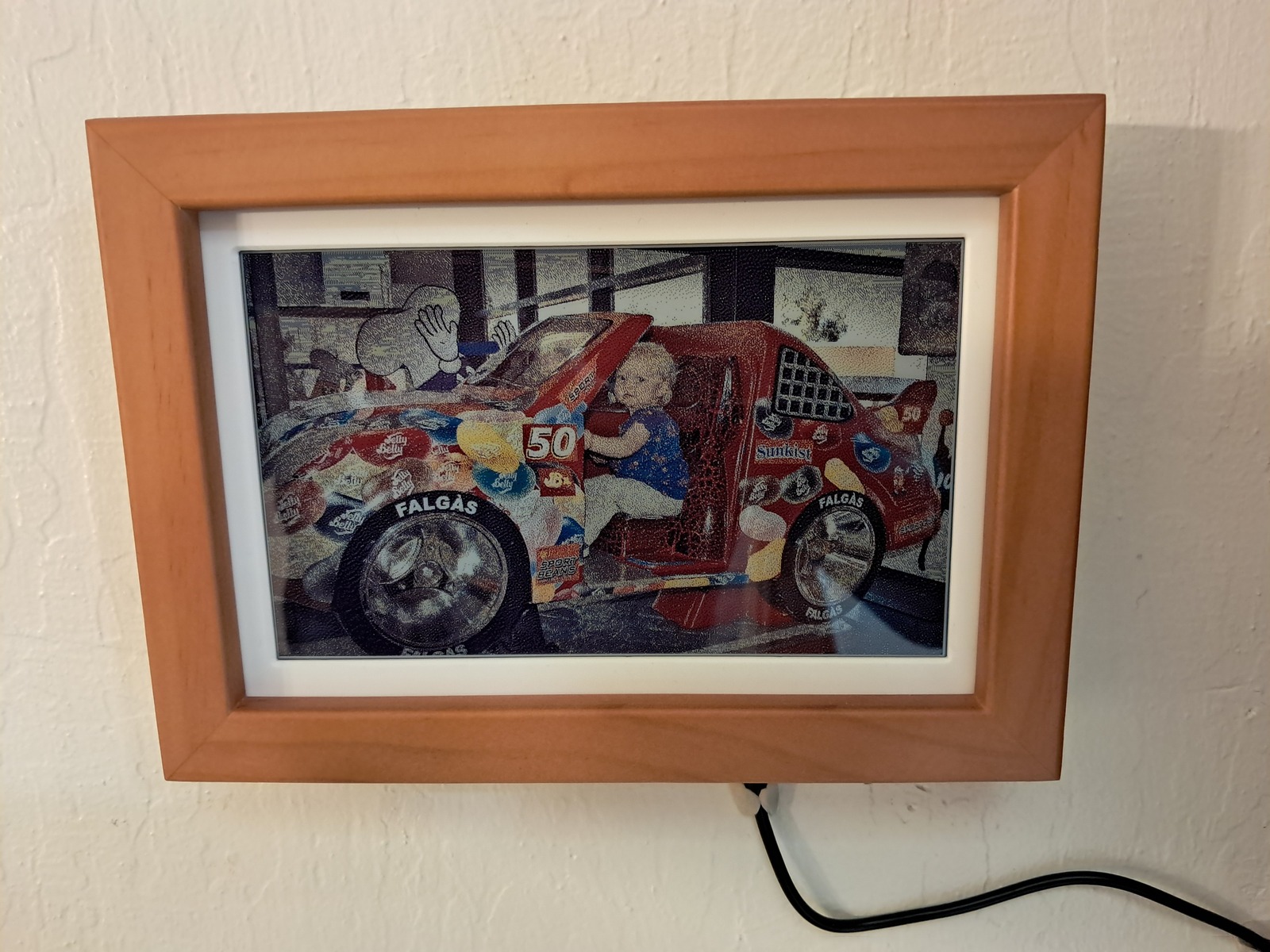
Once the image is resized and cropped it needs to be dithered into the 6 colors displayable by the screen. This is the prepared version stored for future re-use. There’s still one more step of processing before sending the image to the screen, but I store this version because it’s still human viewable as a regular image file. The final step is to repack the bits. The display uses 4 bits per pixel to select which of the 6 colors to use and then packs each pair of pixels into one byte.
The final bit buffer is pushed to the display using WaveShare’s provided driver package.
The final effect of the dithering can vary quite a bit depending on the specific scene and colors involved, but generally it looks decent from >4 feet (closer than that and the dithering is incredibly obvious). The colors are fairly muted, which is common in ePaper displays currently. But the ePaper display is critical for my biggest criteria: no glowing screen.
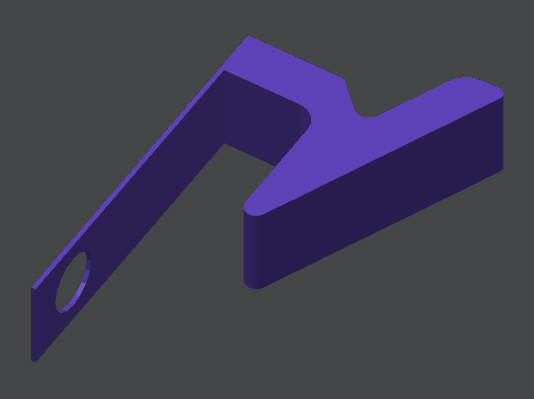
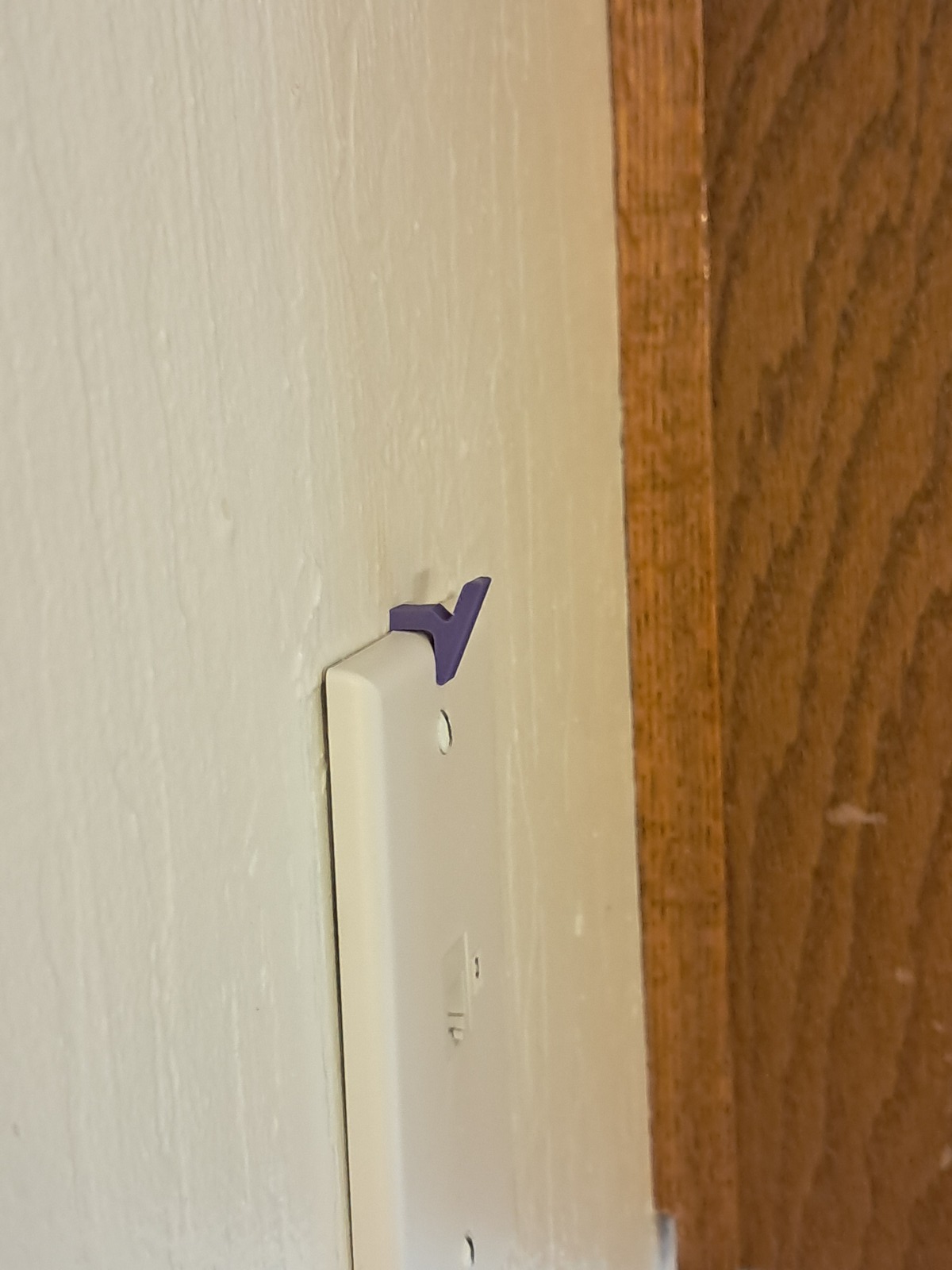
I decided to hang it up in the kitchen to cover an old telephone jack. But I needed a hook somehow. So I quickly designed and printed a hook to slip behind the wall plate and held in place by the screw. 3D printers are super handy for those little things that otherwise don’t exist.